
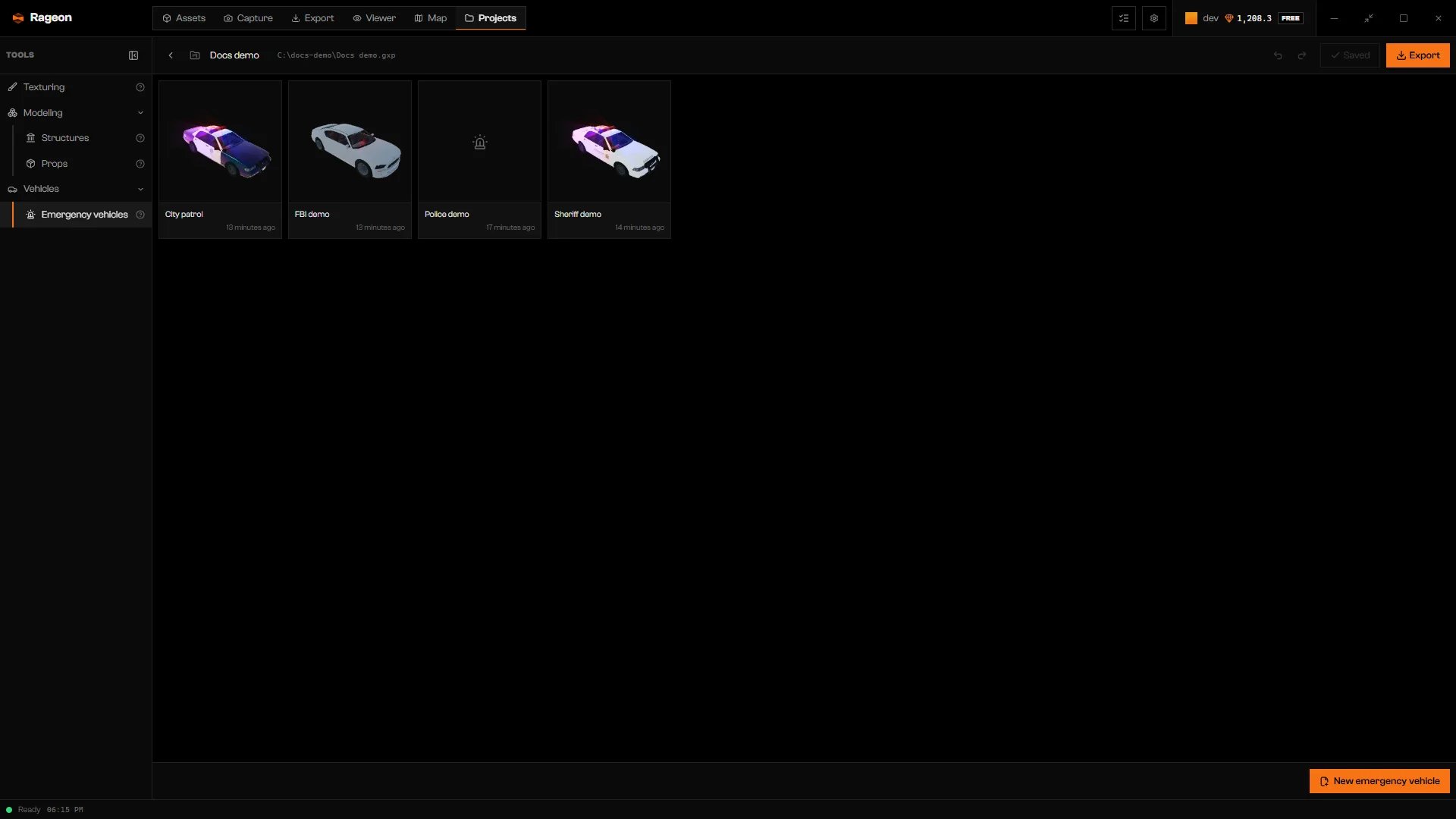
A gallery with four emergency vehicles.
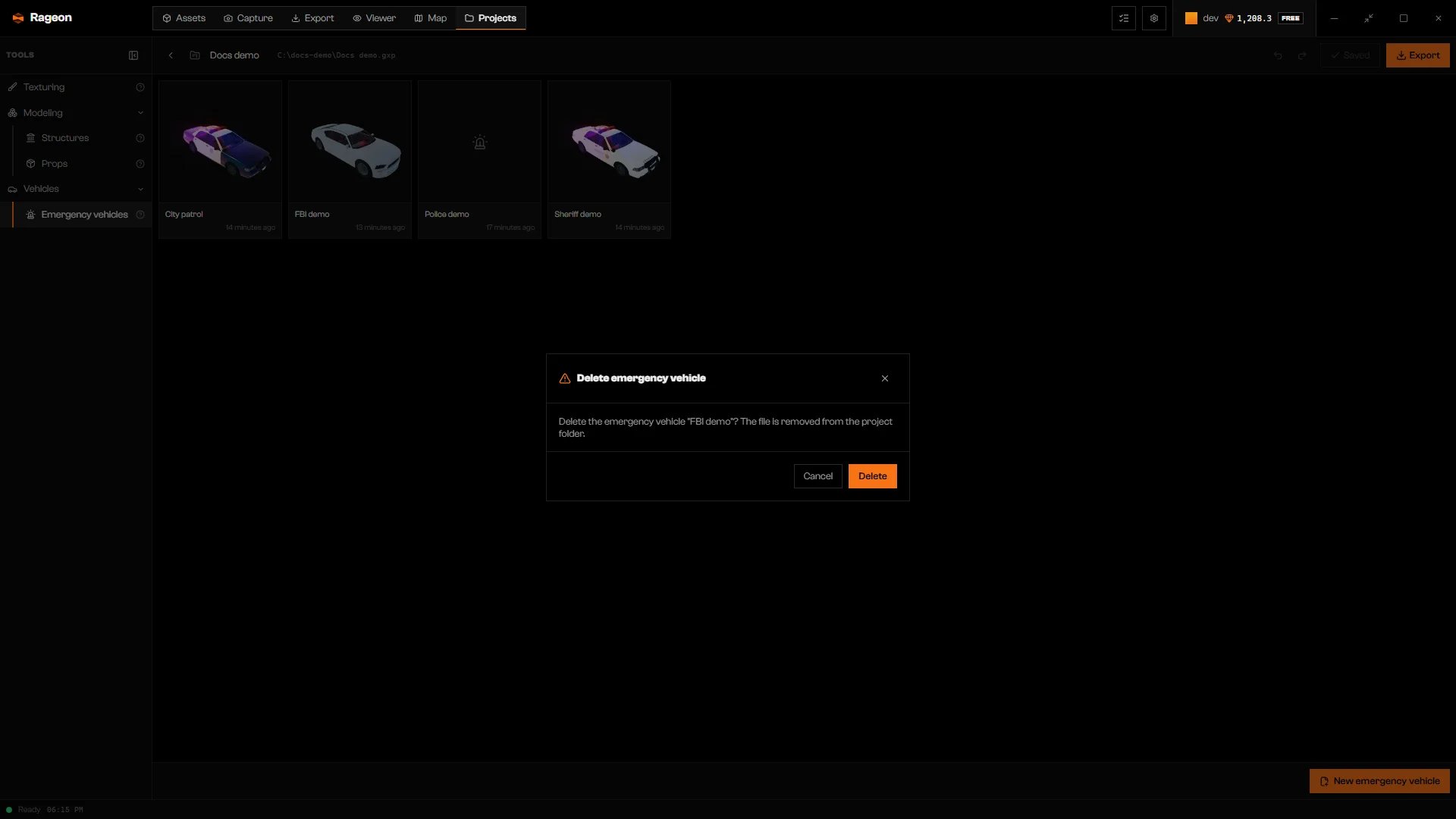
Deleting a vehicle asks for confirmation.
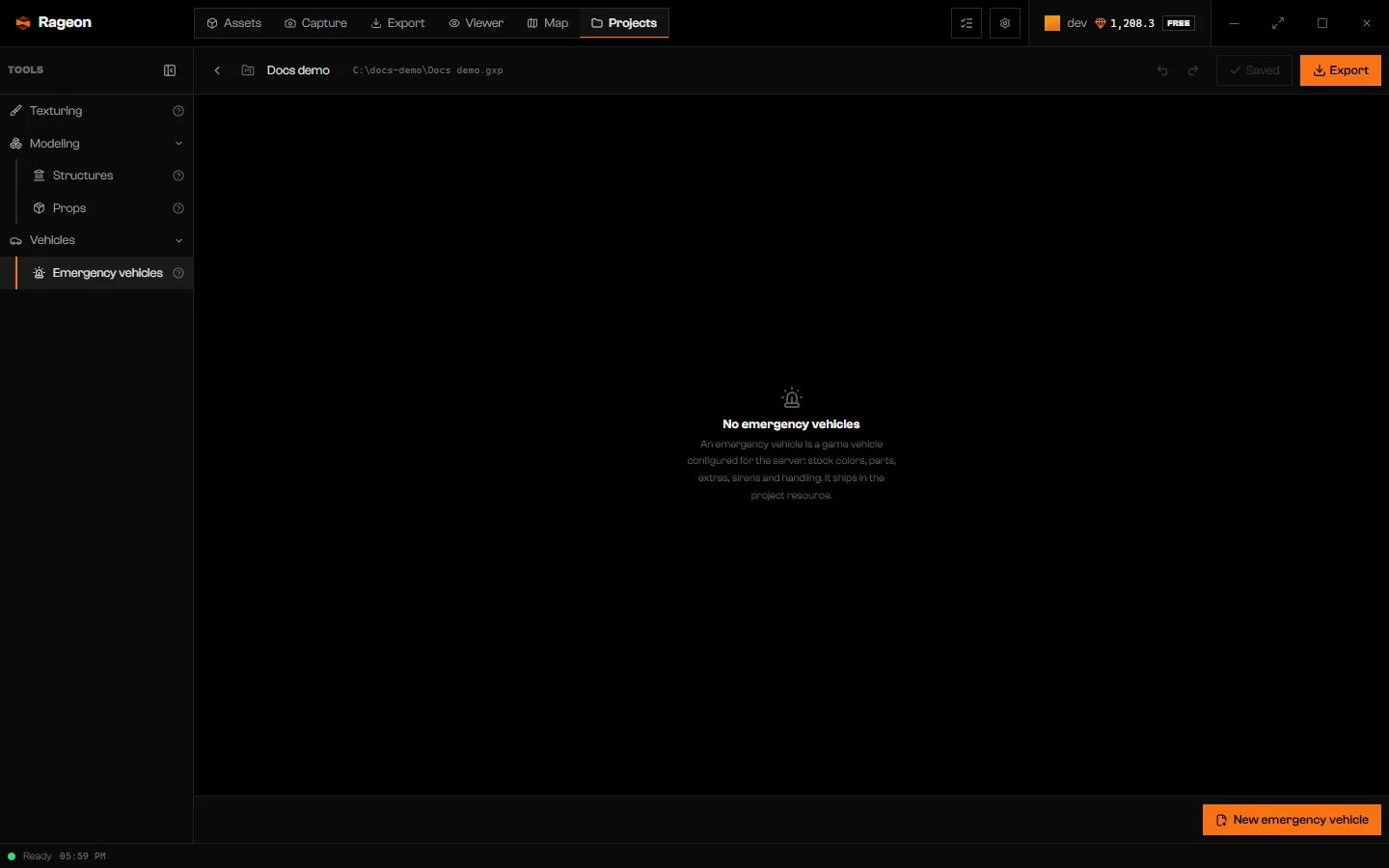
A saved project with no vehicles.
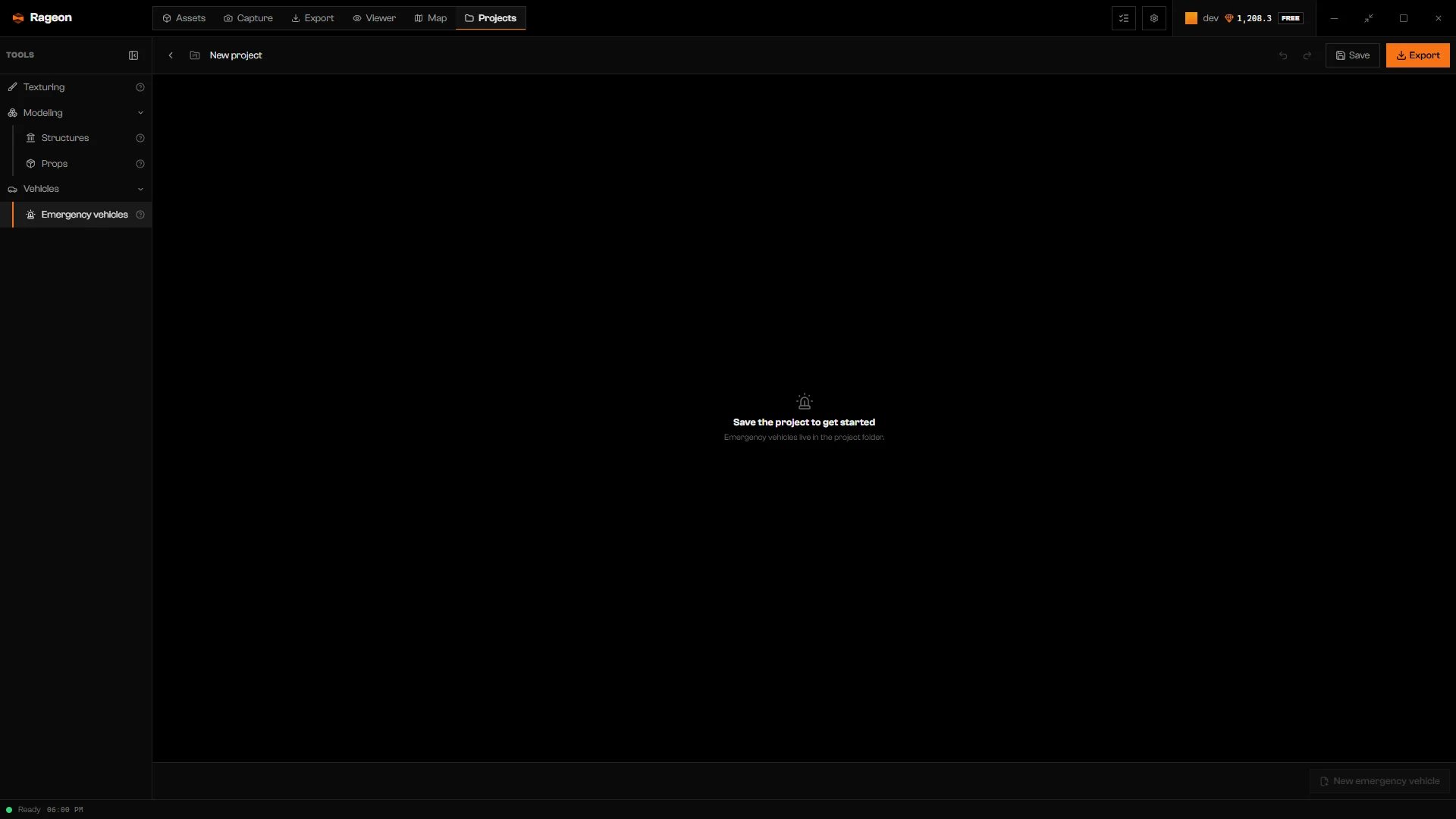
A project that was never saved.
Create an emergency vehicle
Open the dialog
Name it and pick the model mode
- New model makes a new car with its own spawn name. No game car changes. Set the Spawn name (the model name used by your server’s vehicle-spawn script) and the In-game name the game shows.
- Changes the game model edits the game’s own car for the whole server. Colors, sirens, and handling then apply to every car of that model.
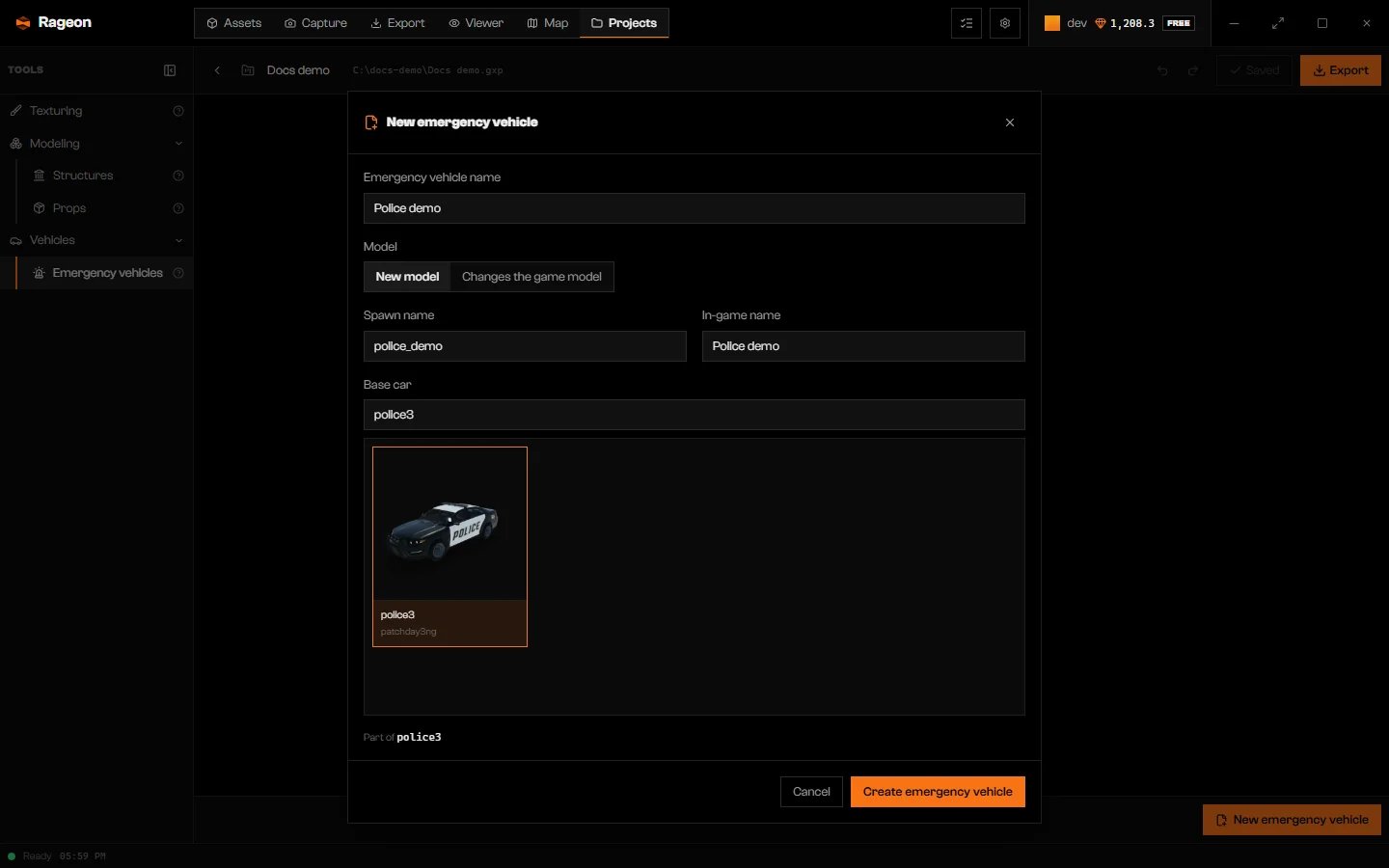
A new model based on police3.
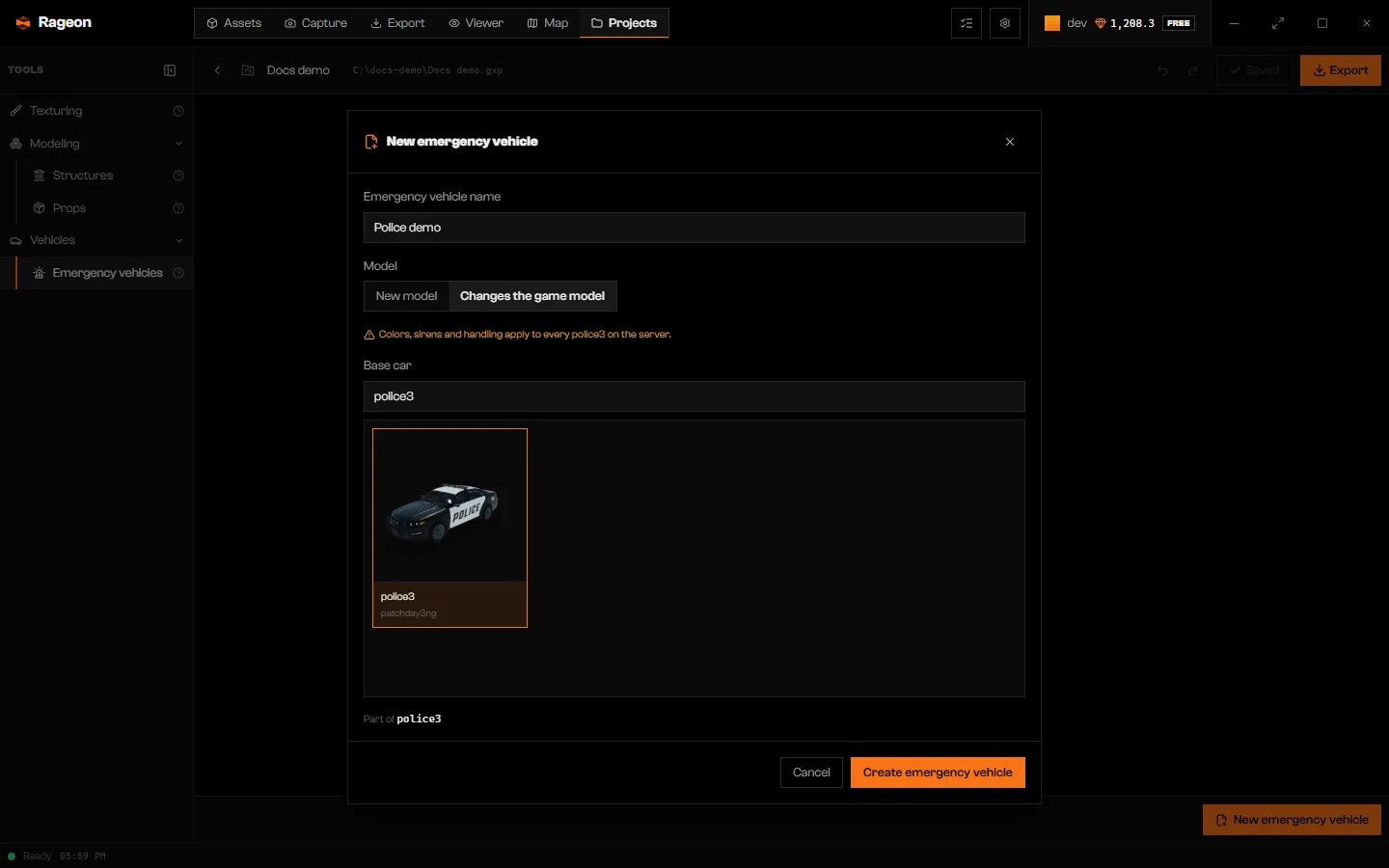
Changes the game model shows a note about the whole server.
Choose the base car
Click Create emergency vehicle
_. It cannot match a vehicle that already exists in the game files or another vehicle’s final model in the project. Also check your server’s other resources for the same spawn name.
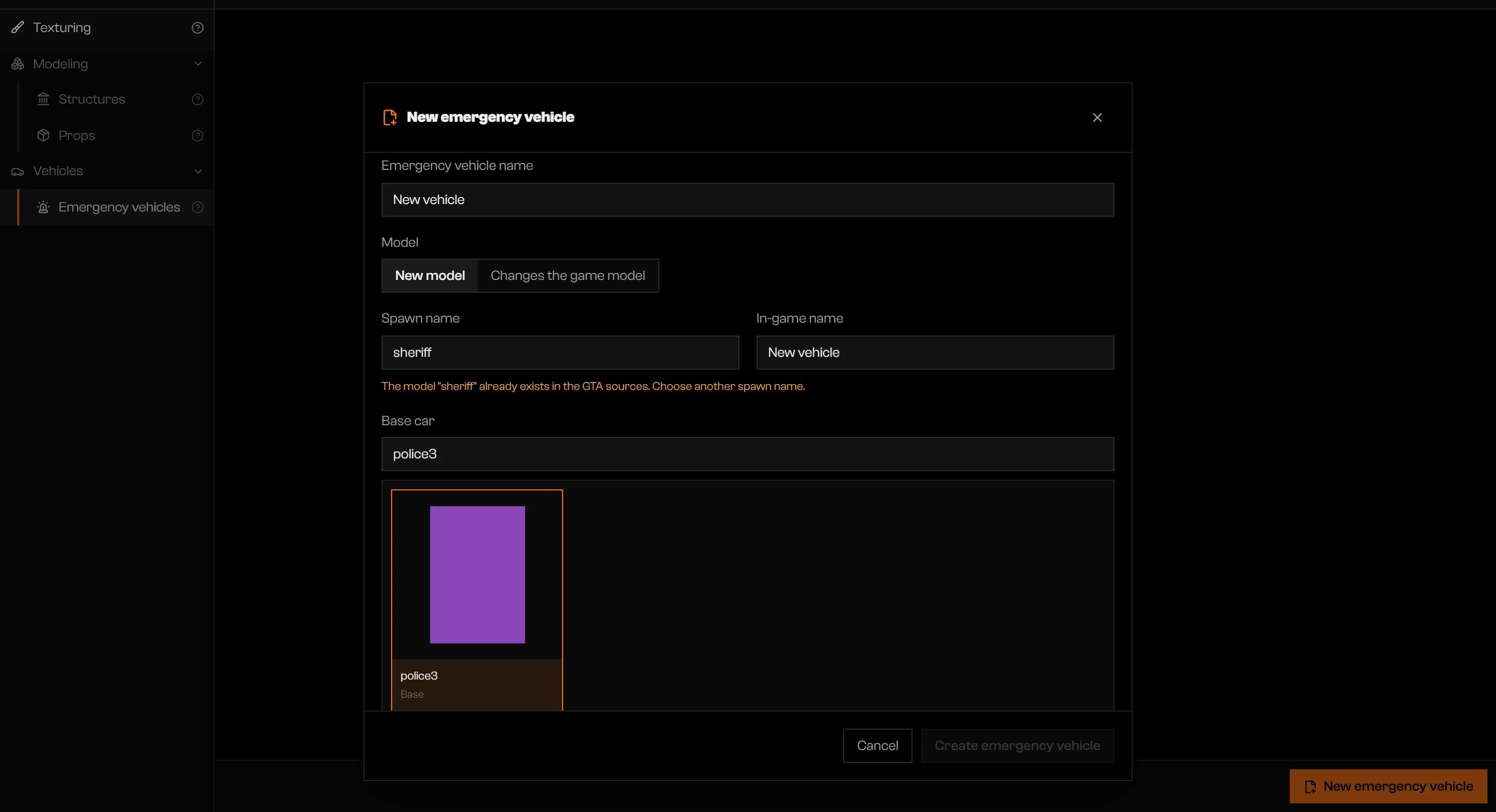
A spawn name that already exists in the game files.
The editor
Use the Emergency vehicle sheet to edit the car and the timeline to preview its siren pattern. Lights on the stage flash in time with the timeline.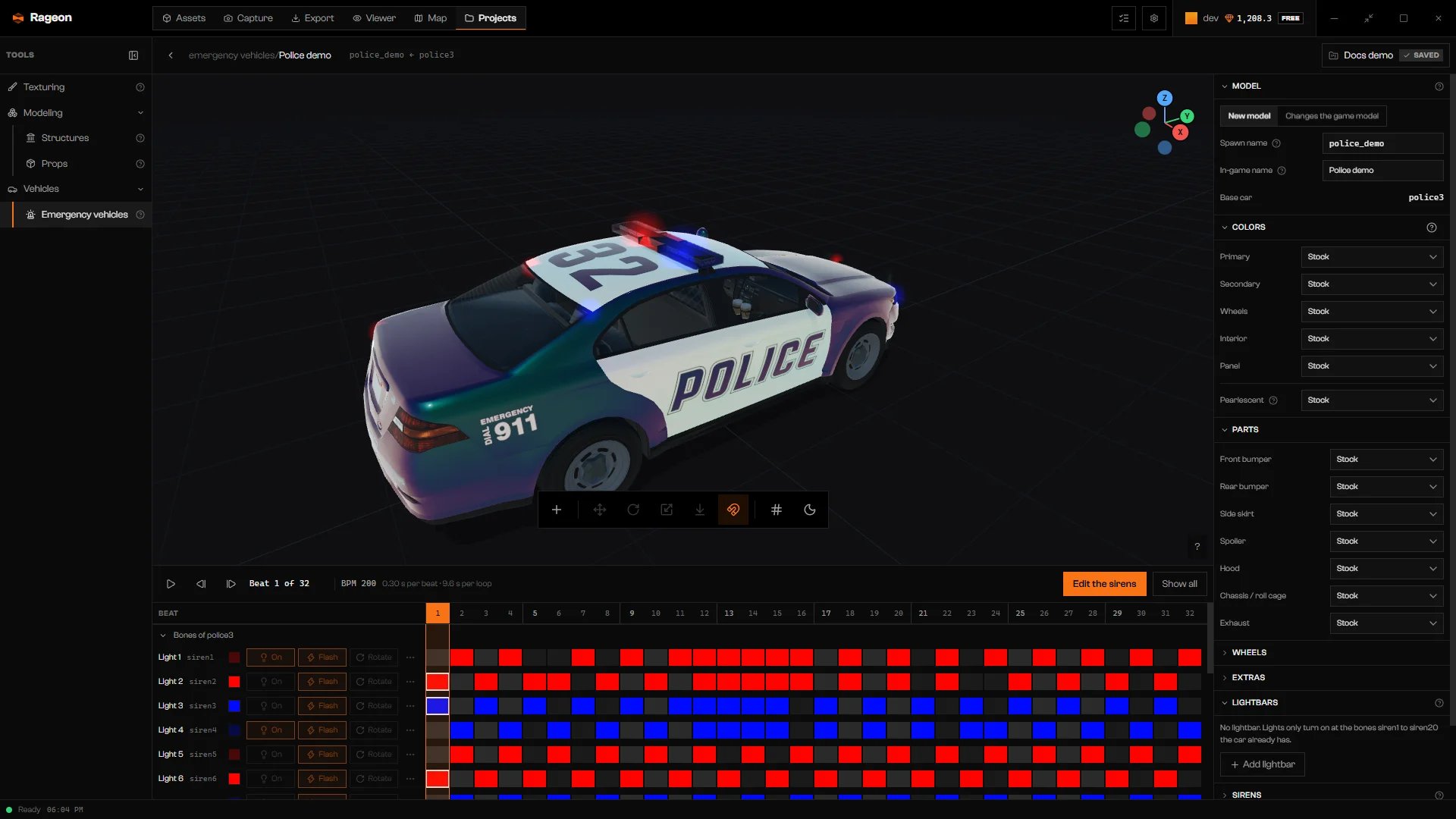
An emergency vehicle open on the stage.
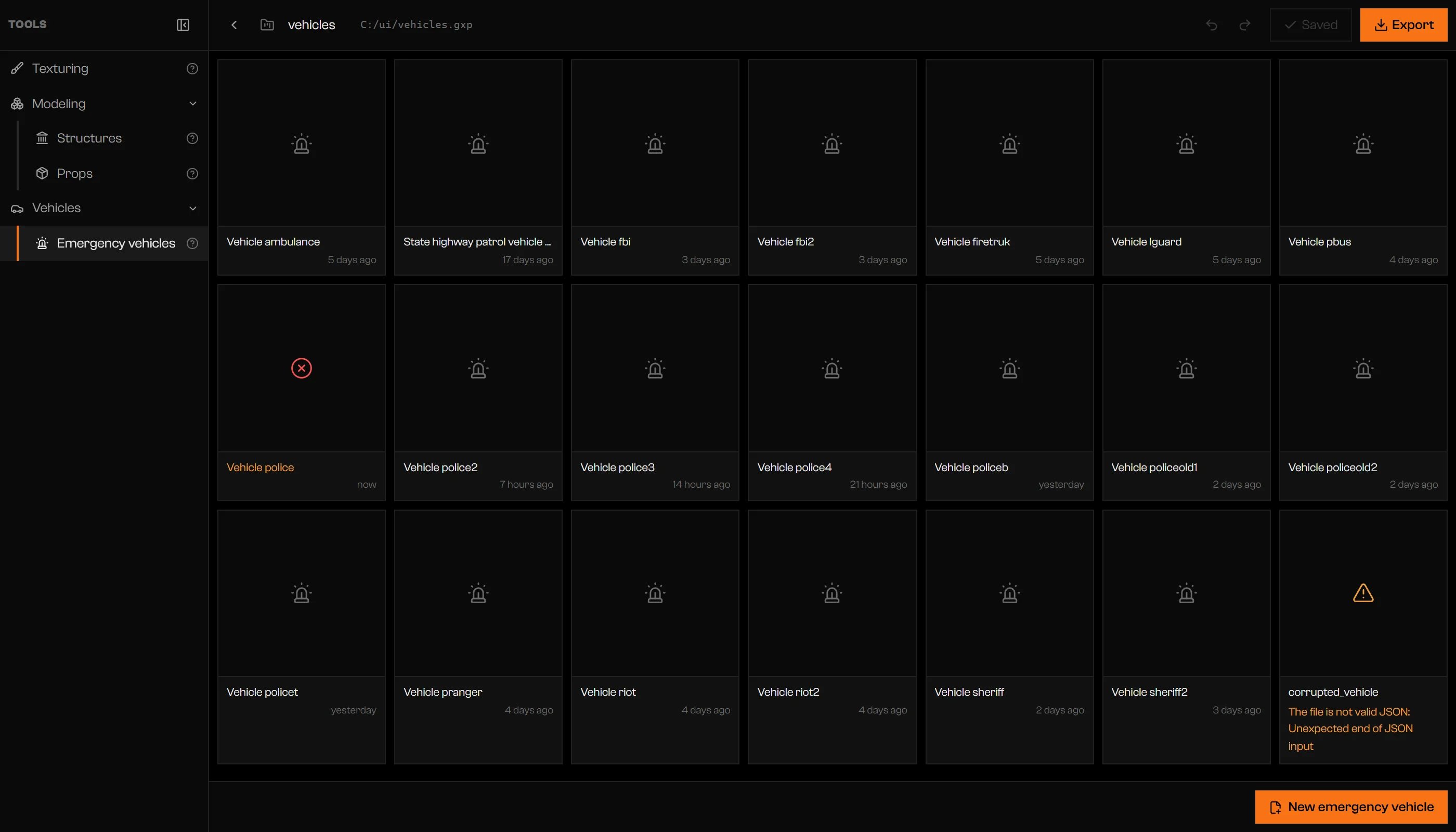
Cards with a broken file and a repeated model.
Liveries
Liveries and other texture work for a project vehicle are made in Texturing. In Texturing, the car appears pinned and dressed as the emergency vehicle. Texturing edits target the base car: a livery on it does not follow a New model. Export also rejects a Texturing livery that targets the new spawn name. To use a livery on the base car, use Changes the game model; lightbars on that model conflict with a Texturing edit that writes the same.yft.
In the game
Export the project to get the vehicle in game (Export as a resource). A new model exports to its own folder understream/; spawn it with your server’s vehicle-spawn command and its Spawn name. Rageon does not add a spawn command. Colors, sirens, and handling are written to the vehicle’s meta files and apply to every spawn of that model. Apply parts, wheels, and extras by running the Lua snippet in the export’s README.txt from your server script after each vehicle is created; see Colors, parts and extras.
If the base car comes from a mod, start that mod’s resource before this project’s resource so its layouts, audio, and shared textures can load.
The export takes the vehicle as it is on screen, saved or not. A New model exports even with stock settings. In Changes the game model, a vehicle with no customizations is left out. There is no hot reload for vehicles: export, then restart or ensure the resource.
Limits and plans
Emergency vehicles have no plan limit of their own. The project limits still apply: saving the project counts against your plan’s project limit, and an export fails if the project goes over the plan’s limits for textures, structures, or interiors. Details are on the pricing page.Troubleshooting
Use a spawn name of 3 to 16 characters, starting with a lowercase letter, followed by lowercase letters, numbers or _.
Use a spawn name of 3 to 16 characters, starting with a lowercase letter, followed by lowercase letters, numbers or _.
The model "…" already exists in the GTA sources. Choose another spawn name.
The model "…" already exists in the GTA sources. Choose another spawn name.
Another emergency vehicle already uses the model "…". "…" repeats the entry for the same model.
Another emergency vehicle already uses the model "…". "…" repeats the entry for the same model.
An emergency vehicle named "…" already exists in this project.
An emergency vehicle named "…" already exists in this project.
Fill in the in-game name.
Fill in the in-game name.
Could not create the emergency vehicle. Try again.
Could not create the emergency vehicle. Try again.
Save the emergency vehicle before renaming it.
Save the emergency vehicle before renaming it.
The file is not valid JSON: …
The file is not valid JSON: …
Invalid field: …
Invalid field: …
Emergency vehicle created by a newer version of the app (v…)
Emergency vehicle created by a newer version of the app (v…)
Couldn't load the emergency vehicles: …
Couldn't load the emergency vehicles: …
Couldn't … messages end with the reason from the disk.