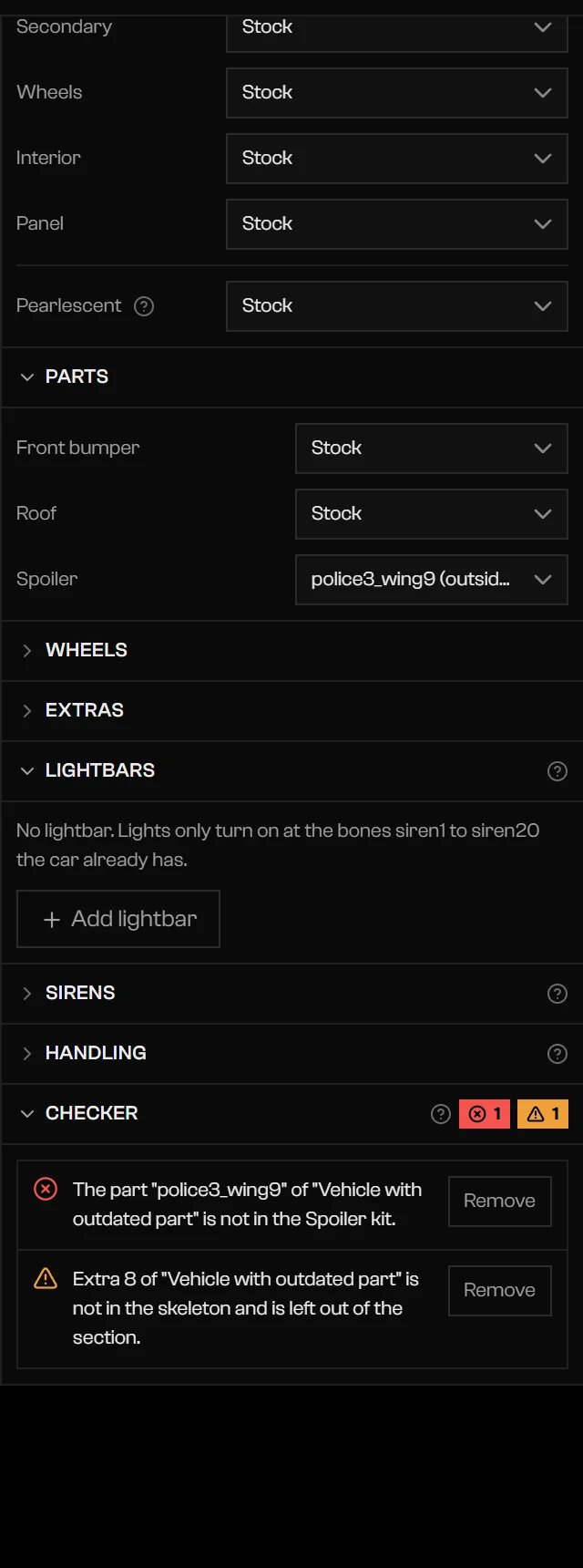
The Checker is the last section of the Emergency vehicle sheet. Errors block the export. Warnings do not. The section shows a badge with the count of errors and of warnings, or Ready to export when there is nothing to report.
Checker listing an error about a part that is not in the kit, with a Remove button

The Checker with an error and a Remove button.

Each row has a ✕ for an error or a ▲ for a warning, and some rows have a button that fixes it: Remove deletes an unavailable part, extra, or lightbar, and Turn off switches off a light that has no bone. Remove unsupported handling fields in Handling. The export runs the same checks again. A blocked export says Export blocked: … and lists the errors.

Errors

Warnings

Troubleshooting

Open the vehicle and fix the errors listed in the Checker. Messages that name a model, such as a vehicle whose model is not in the GTA sources, point at the car’s base files.