
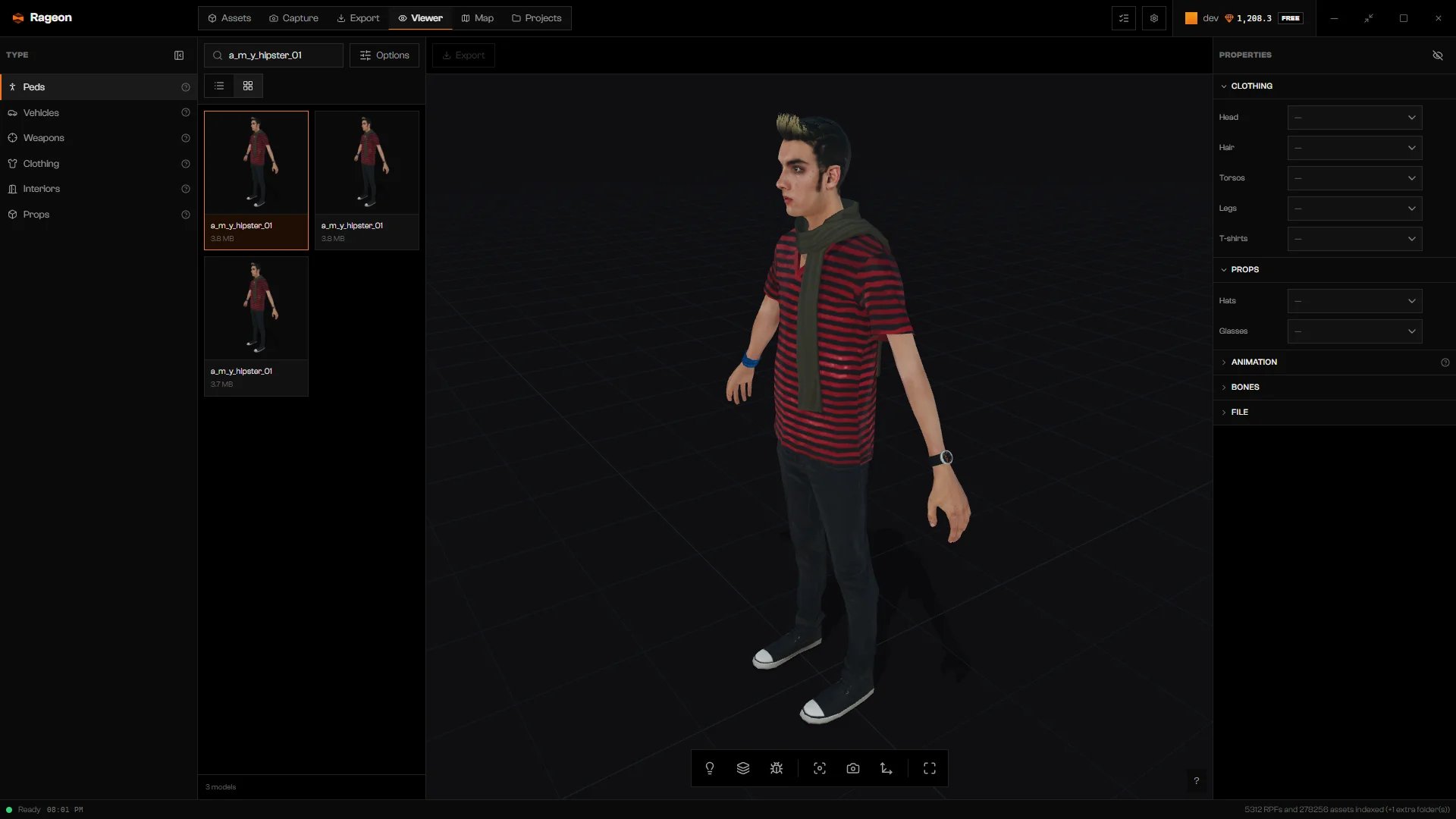
A hipster ped loaded in the Viewer.
Light, background, camera, and image capture work with every type. Switching to another model starts from its default appearance: outfits, paint, and other choices do not carry over.
Find a model
Use Search models… and the Options panel to narrow the list. Source limits it to Original game content or Mod content. Limit caps how many results show (500 by default). Grid shows previews instead of the list.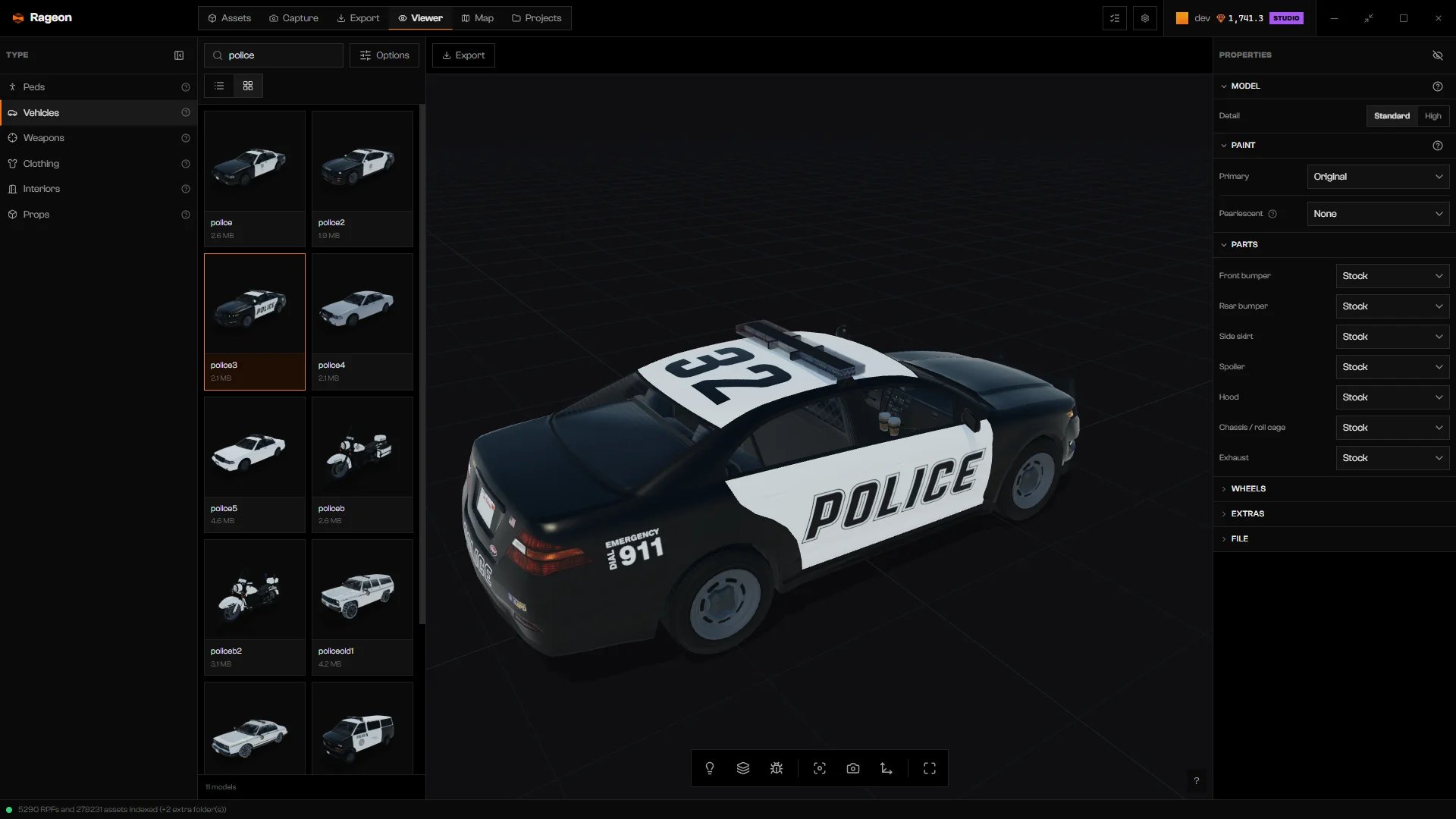
Vehicle catalog in Grid view.
Inspect a prop’s file
Props have no appearance options. Open Props, chooseprop_bench_01a, and read File for its source (Base Game, Update, DLC, or Mod), size, and path. Every type has the same File readout.
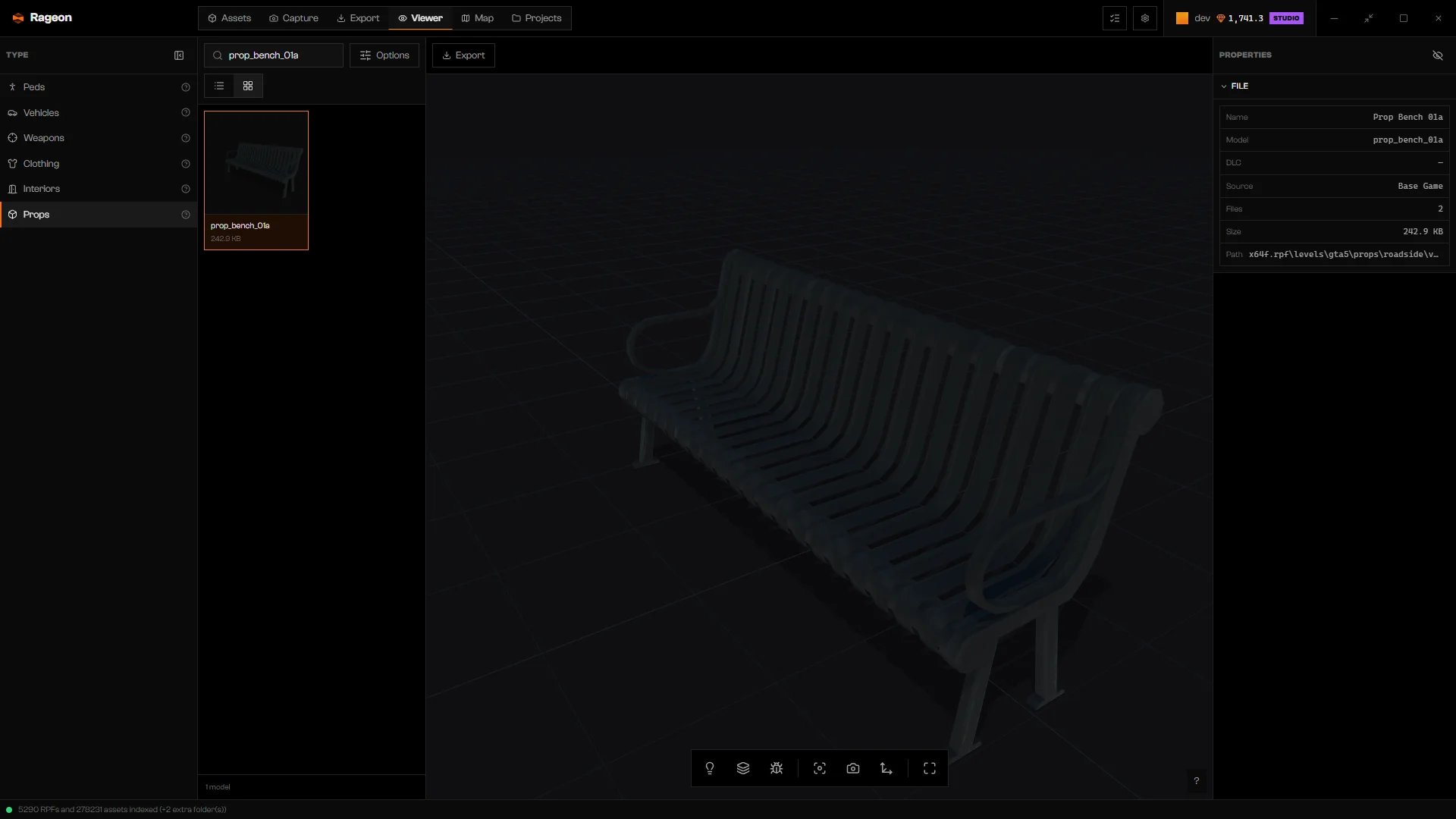
Properties for prop_bench_01a.
Troubleshooting
No model found.
No model found.
Clear the search, then check Source and Limit. Make sure your game folder is indexed (First setup).
… couldn't be loaded
… couldn't be loaded
Follow the guidance in the message, then click Load again.
The GTA sources aren't ready yet. Review the data sources and load again.
The GTA sources aren't ready yet. Review the data sources and load again.
Rageon cannot read your game files yet. Check the data sources in First setup, then click Load again.
… was not found in the configured data sources.
… was not found in the configured data sources.
The file is missing from the folders Rageon reads. Restore it, or choose another model.
The file was converted, but the 3D viewer couldn't read its meshes or materials.
The file was converted, but the 3D viewer couldn't read its meshes or materials.
Click Load again. If it keeps failing, choose another model.
The conversion was interrupted. Load again; if the error persists, review the data sources.
The conversion was interrupted. Load again; if the error persists, review the data sources.
Click Load again. If it fails twice, check your data sources.