
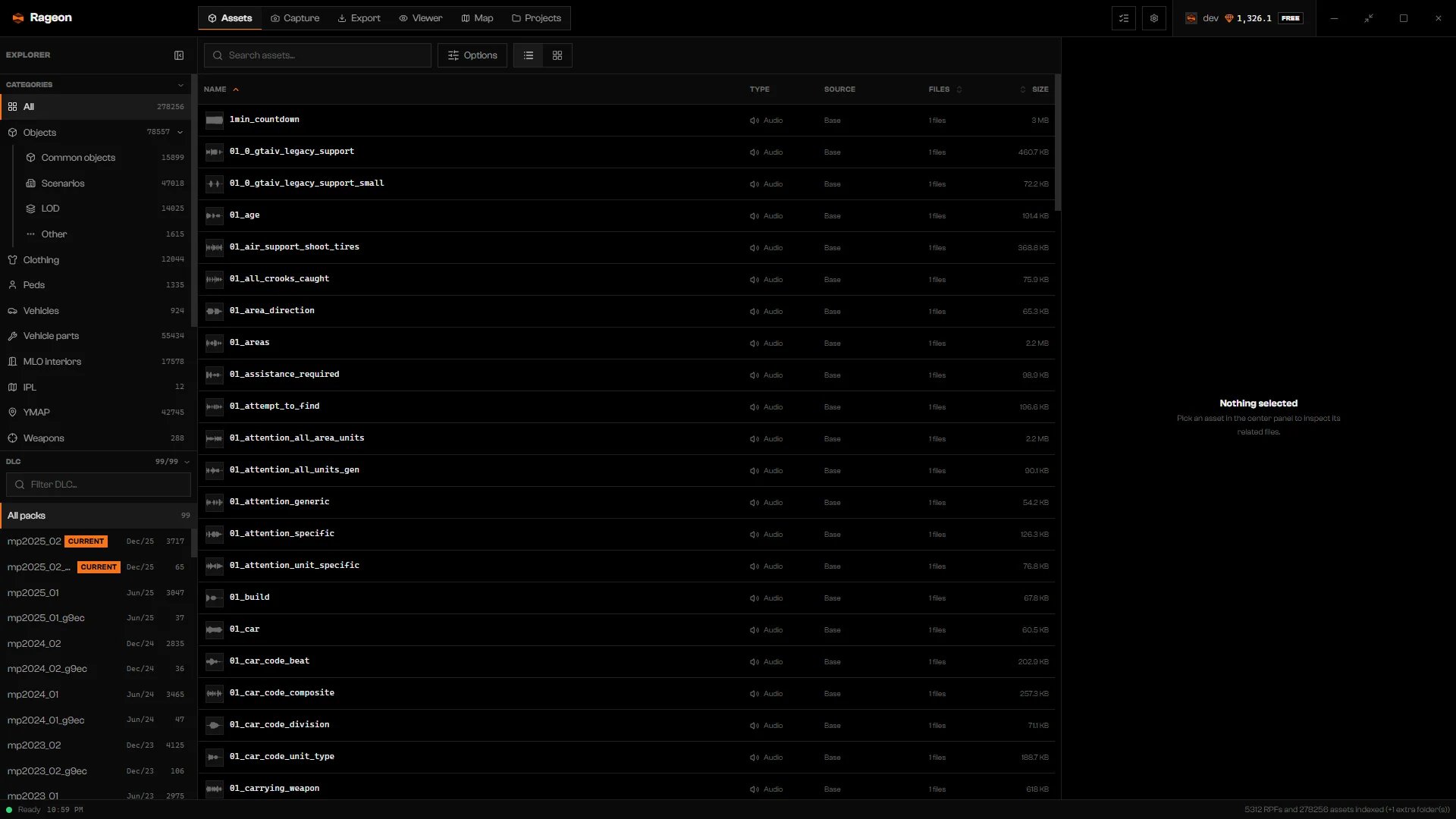
The Assets tab after the first scan, with the title bar on top and the status bar at the bottom.
The tabs
The window has more than tabs: a task list, a settings dialog, your account chip, and a status bar. The interface covers them.
Where to start
1
Check the requirements
Requirements lists the Windows version and the GTA V edition Rageon reads.
2
Install and sign in
Install and update, then Sign in. Rageon needs an account for everything, including the FREE plan.
3
Point Rageon to your game
First setup sets the GTA V folder, extra mod folders, a FiveM server, and the language.
4
Open a tab
Search for an asset with Ctrl+P, or go to Browse assets or Projects.