
Surface
Click Technical view in the dock, then choose Surface color in Surface:
Every mode except Material is drawn without scene shadows, fog, or glow.
Turn Textured off to remove the textures; tint, vertex color, and lighting stay. It works only with Material. Wireframe draws mesh edges over the current colors. Grass and water do not get edges.
LOD colors
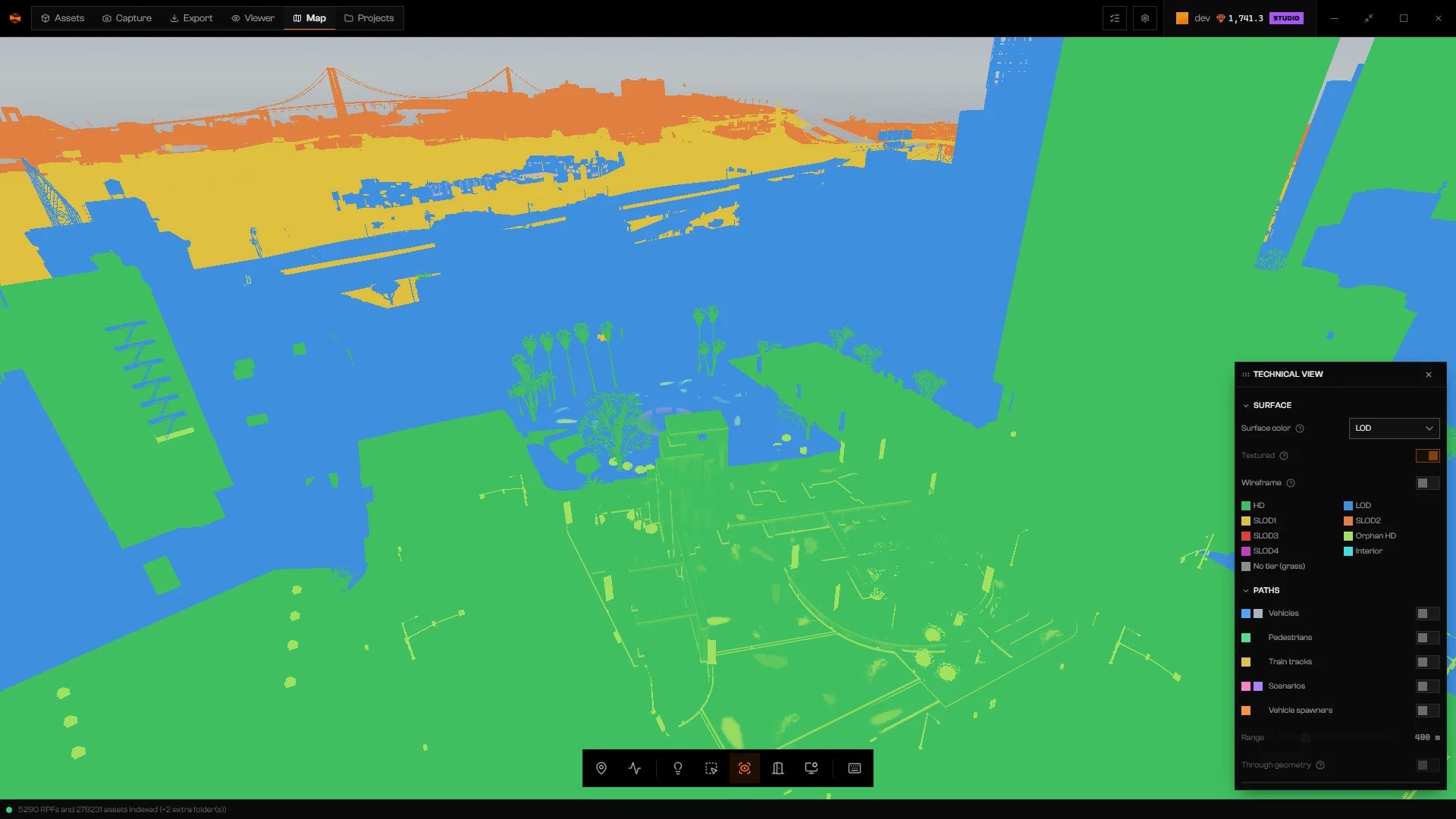
Surface color set to LOD, with the legend.
Use it to see which tier you are looking at from a given distance, or why a building changes as you approach.
Paths
Turn on any layer under Paths. The first time, the layer shows Generating paths…. Wait for it to finish.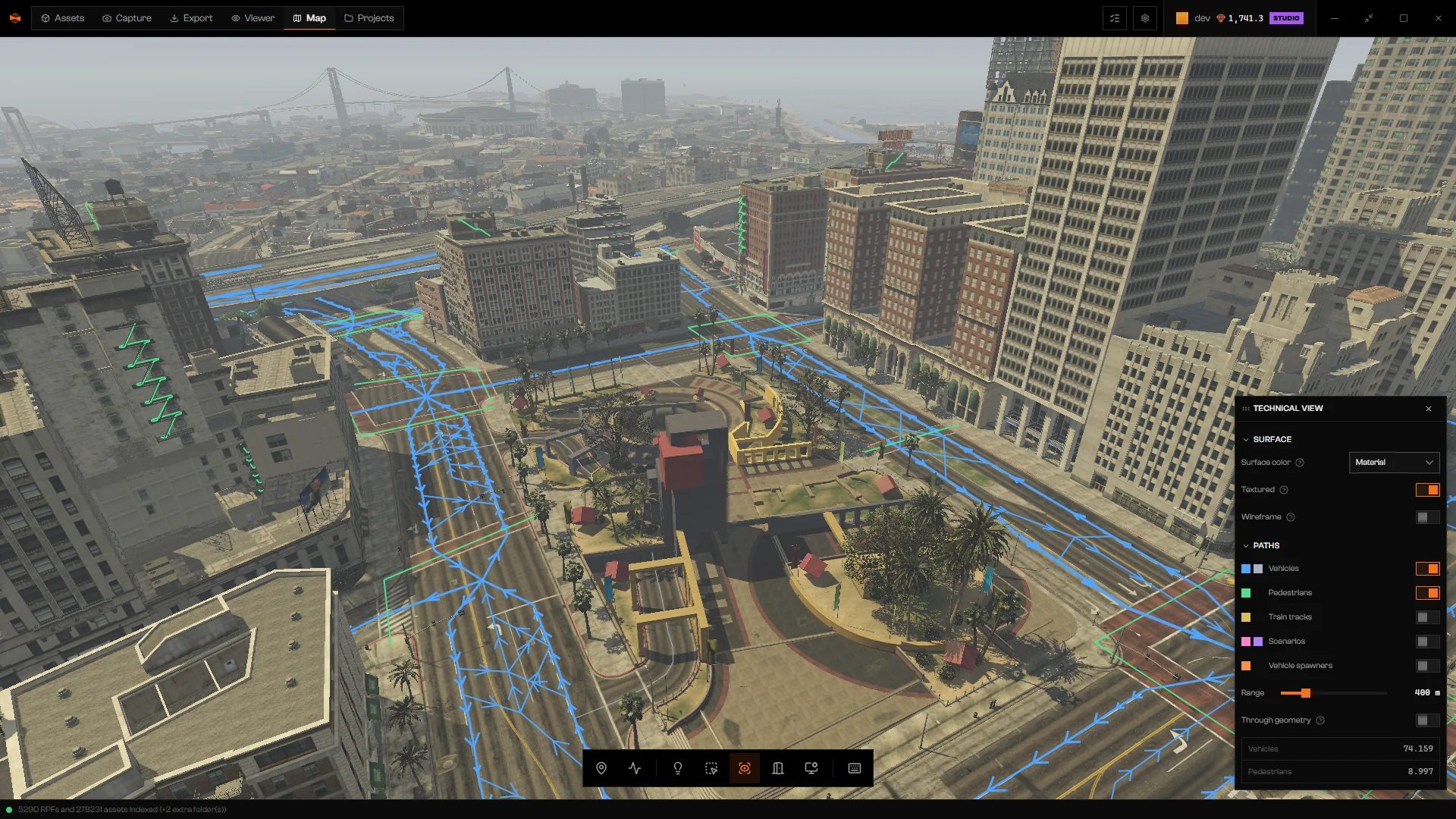
Vehicle and pedestrian paths over the city.
Both are disabled until a layer is on.
Each enabled layer shows its total count for the whole map, not only what is inside Range.
Troubleshooting
Paths are read from the library the first time a layer is turned on.
Paths are read from the library the first time a layer is turned on.
Turn on a layer under Paths. This is a notice, not a fault.
Generating paths…
Generating paths…
Paths are being prepared. Wait. If it ends in an error, click Try again.
The renderer has not published anything yet.
The renderer has not published anything yet.
Wait until the world has finished loading.