
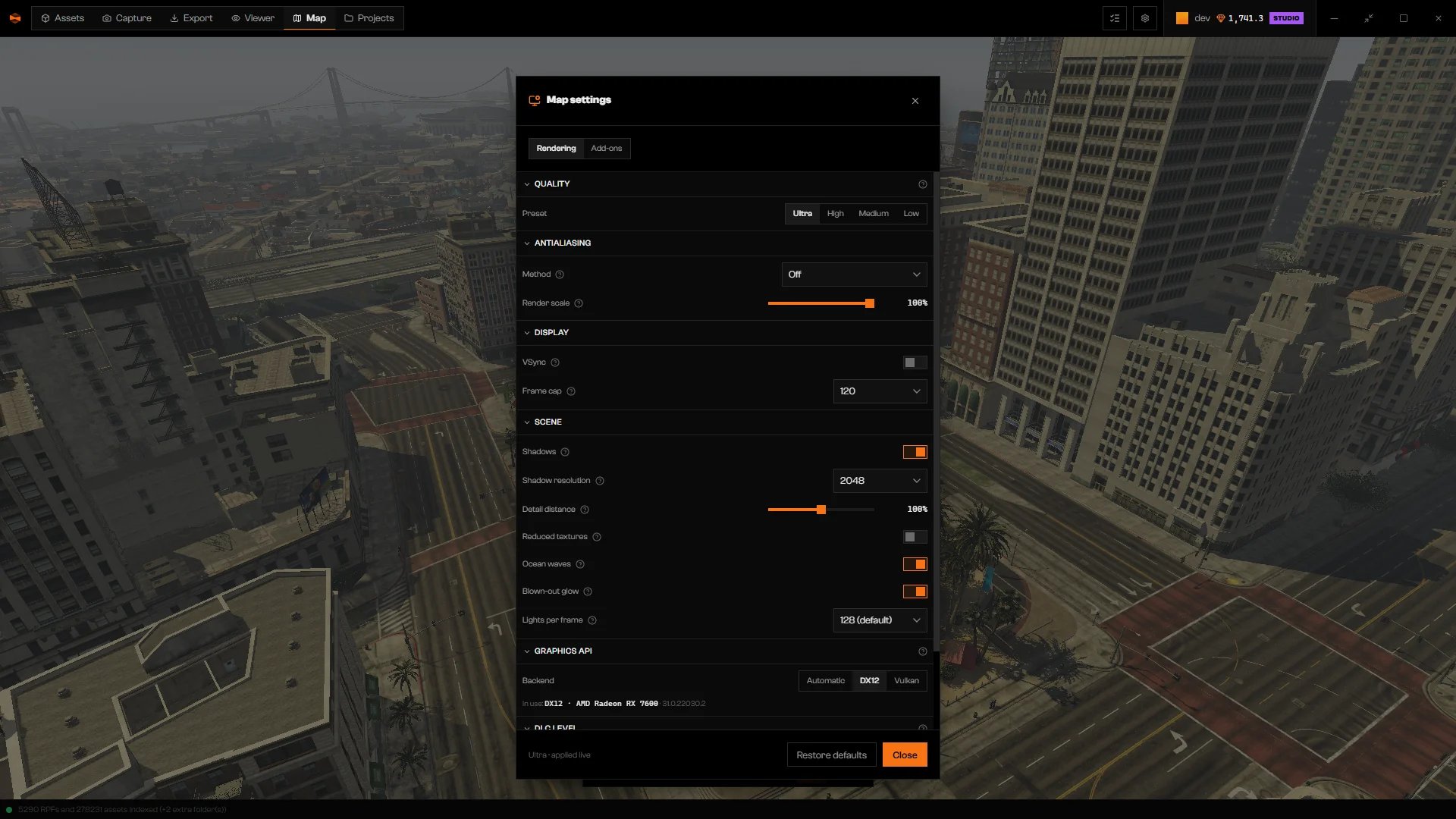
Map settings, Rendering tab, with the Ultra preset.
Pick a preset
Preset in Quality sets resolution, shadows, textures, waves, glow, and light count together. Render scale is in Antialiasing.
Low also turns antialiasing off. The other presets keep your antialiasing choice. Presets do not touch Detail distance, Time of day, Weather, VSync, or Frame cap.
On computers with an integrated GPU, Rageon starts on Medium with a lower Detail distance.
Change Render scale, Shadows, Shadow resolution, Reduced textures, Ocean waves, Blown-out glow, or Lights per frame and the footer reads Custom · applied live, with Custom — the controls below don’t match any step. shown above. That is not an error.
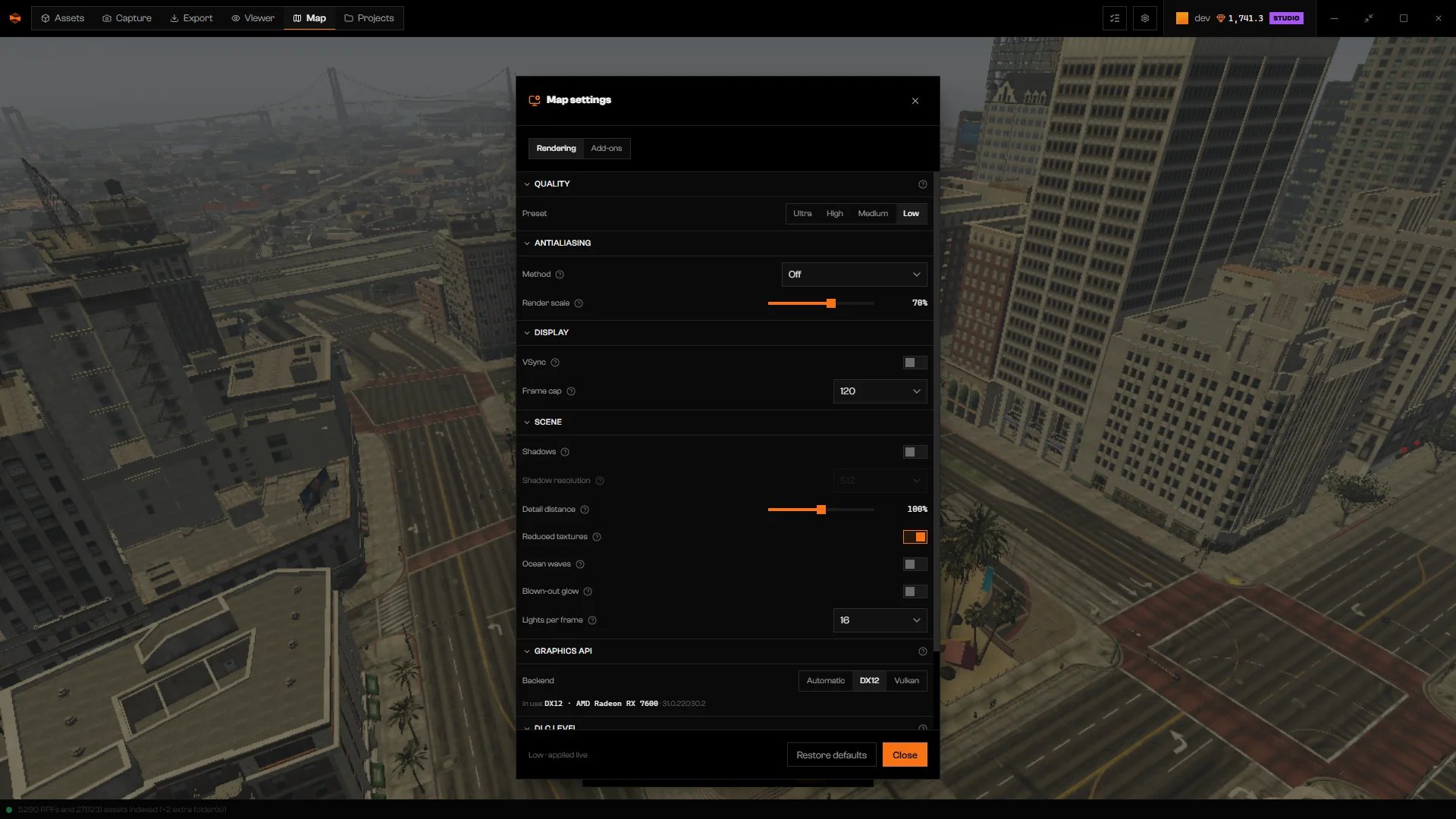
Low preset: lower scale, no shadows, and Method set to Off.
Display and scene options
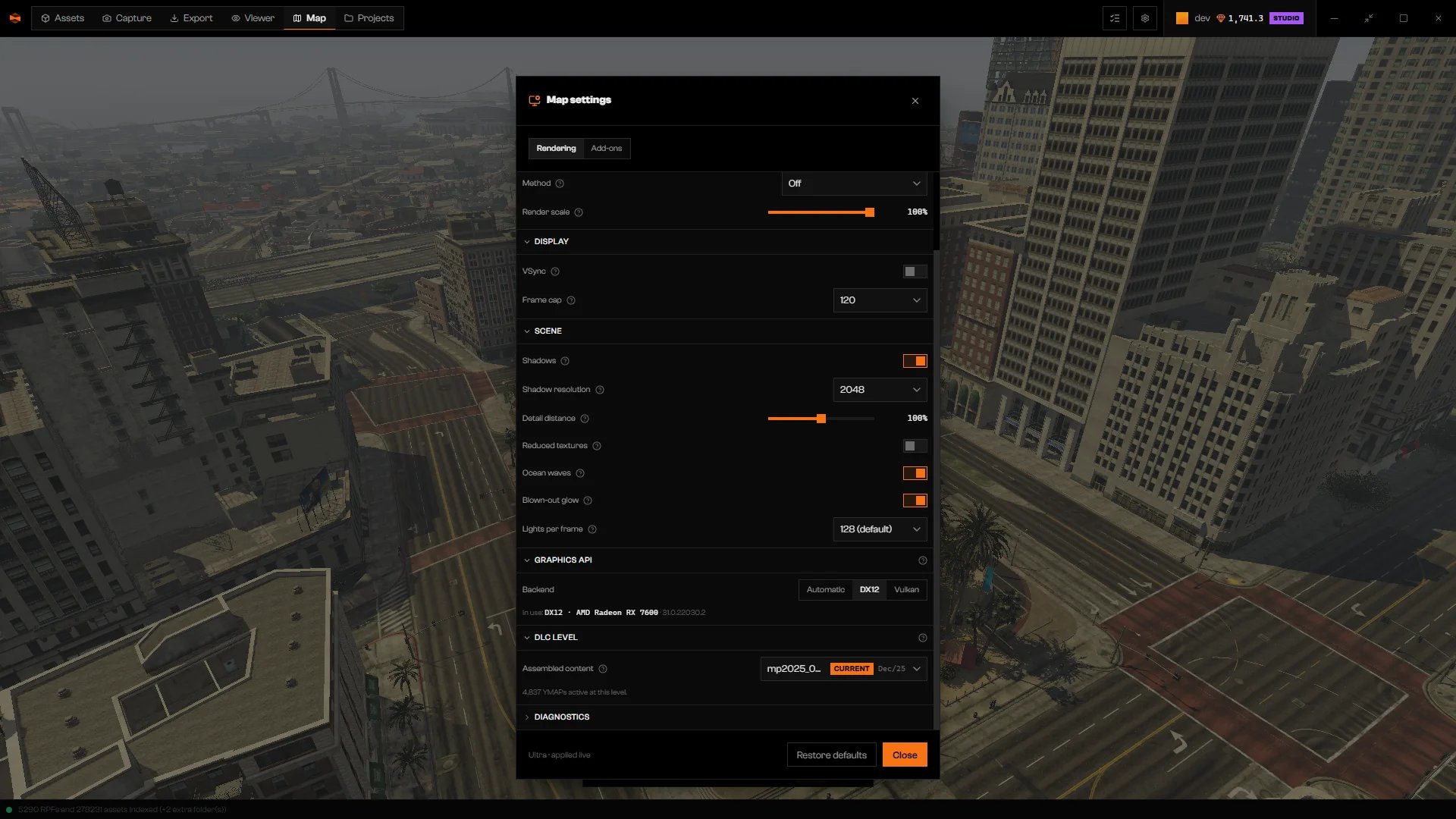
Display and Scene options.
Graphics API
Backend chooses Automatic, DX12, or Vulkan. In use: shows the option, GPU, and driver in effect. Changing it reloads the world briefly. Automatic uses DX12 when your computer has a DX12 GPU, and Vulkan otherwise. If the map opens black after you choose Vulkan, switch back to DX12.Check the effect
Click Performance in the dock to compare frame rate (fps), time per frame (ms), the worst recent frame, and hitches per two seconds while you fly the same route. It also shows how many entities are active or incoming and how many cells are loaded at each detail level. Turn on Renderer overlay under Diagnostics for on-screen frame and resolution text. F1 toggles the same overlay. It resets each time you open the map.Restore defaults
Restore defaults puts every setting on this tab back to its default, and also resets Time of day, Real-time clock, Clock speed, Weather and the Technical view options. It does not change Add-ons. The footer shows Session defaults when nothing differs.Troubleshooting
Couldn't apply: …
Couldn't apply: …
The setting was not accepted. Choose a different value or method.