
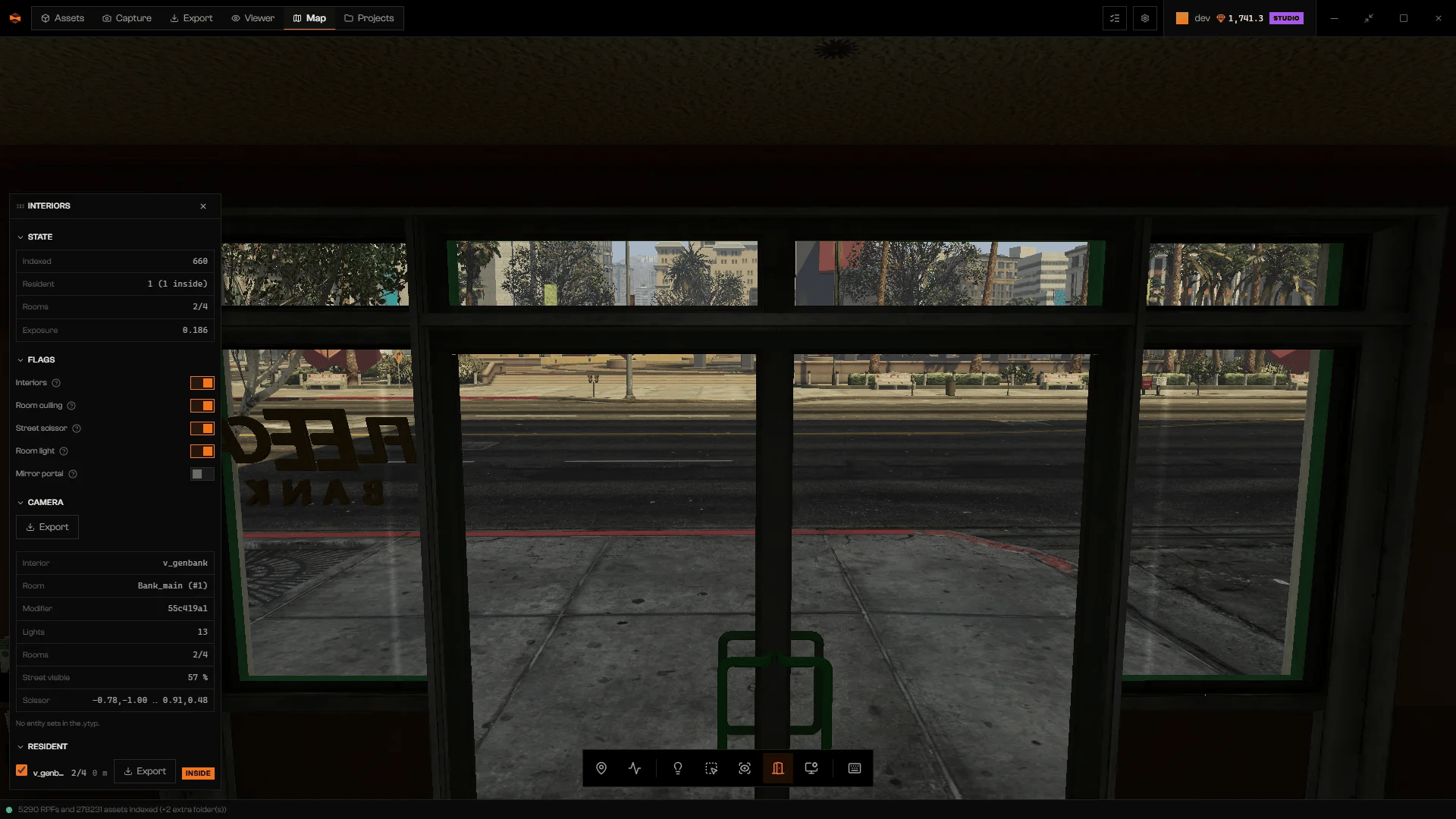
Inside the Fleeca bank: Camera names the interior and room.
Read the panel
State shows Indexed and Resident placements, Rooms (admitted over total), and Exposure. Camera describes the MLO that contains the camera. Outside any MLO it says On the street. Inside it shows the Interior and Room, plus Modifier, Lights, Rooms, Street visible, and Scissor. Room reads outside every room when you are inside the building’s bounds but not in any of its rooms. Scissor shows the street clip area, or no clipping, or empty (street doesn’t draw) when the room shows no street.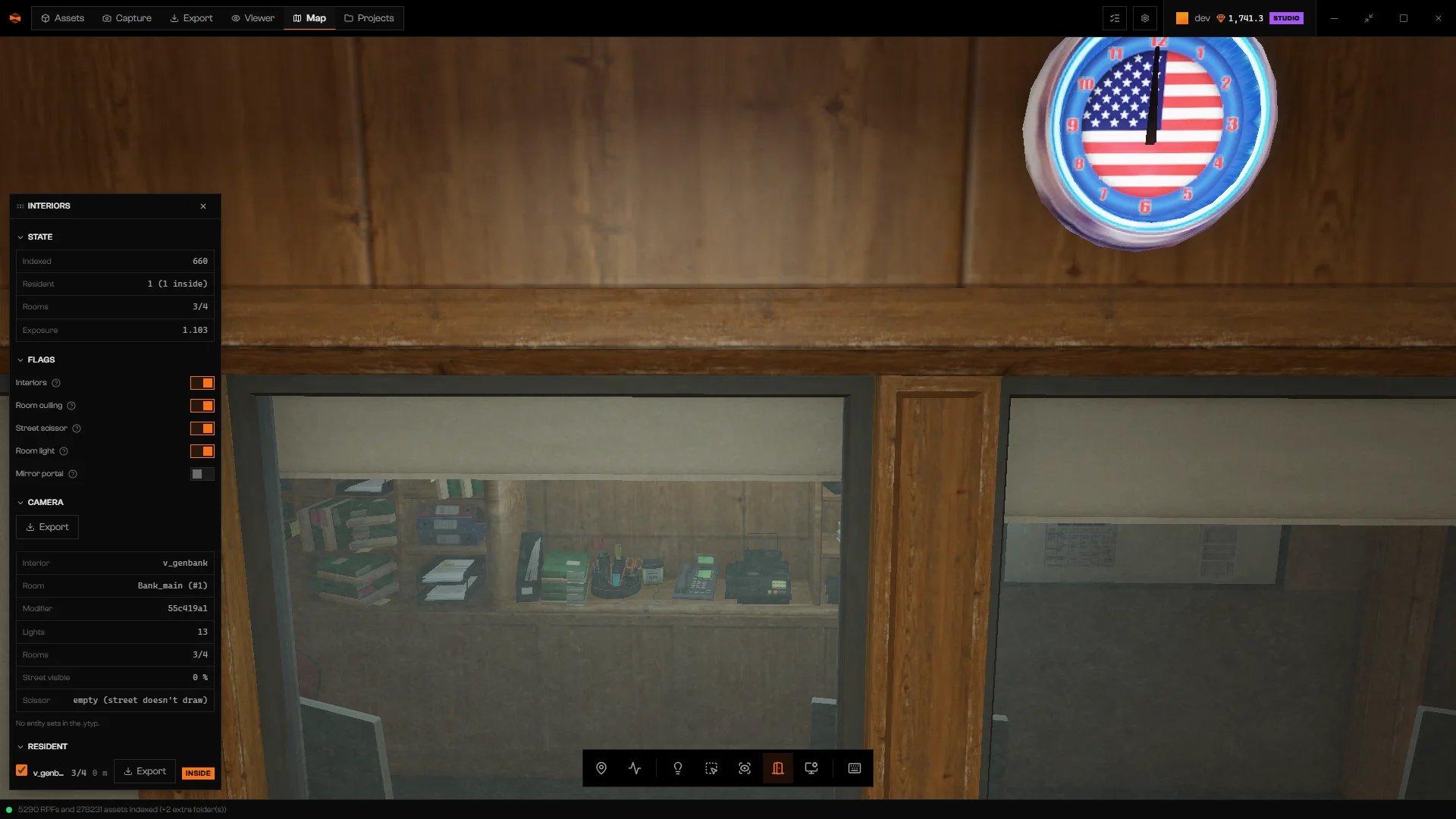
Camera in a room with no street view: Scissor reads empty (street doesn't draw).
Flags
Use these to find out why a room looks wrong.Variants, entity sets, and script-only placements
- Variant appears when more than one placement competes at the same spot. Choose one by name or YMAP. The interior can disappear briefly before the new one shows.
- Entity sets lists the optional object groups of an MLO. Toggling a set does not update the scene. Click Repack to apply it. Repacking… appears and the interior can vanish for a moment. If the MLO has none, the panel says No entity sets in the .ytyp.
- In Resident, the checkbox at the start of a row shows or hides a placement. Script-only placements start off.
Export an interior
Export appears on the Camera and Resident rows. Choose an idle queue or New queue. Rageon adds the interior to that queue. The export itself runs from the queue. See Export. Queues that are running are not available.Troubleshooting
None within 140 m.
None within 140 m.
No MLO placement is near the camera. Fly closer to a building with an interior.
No entity sets in the .ytyp.
No entity sets in the .ytyp.
This MLO has no optional object groups, so there is nothing to Repack.
The renderer has not published anything yet.
The renderer has not published anything yet.
Wait until the world has finished loading.
The items are already in this queue.
The items are already in this queue.
The interior is already queued. Use the existing item.